
Instant Price-Per-Unit Math
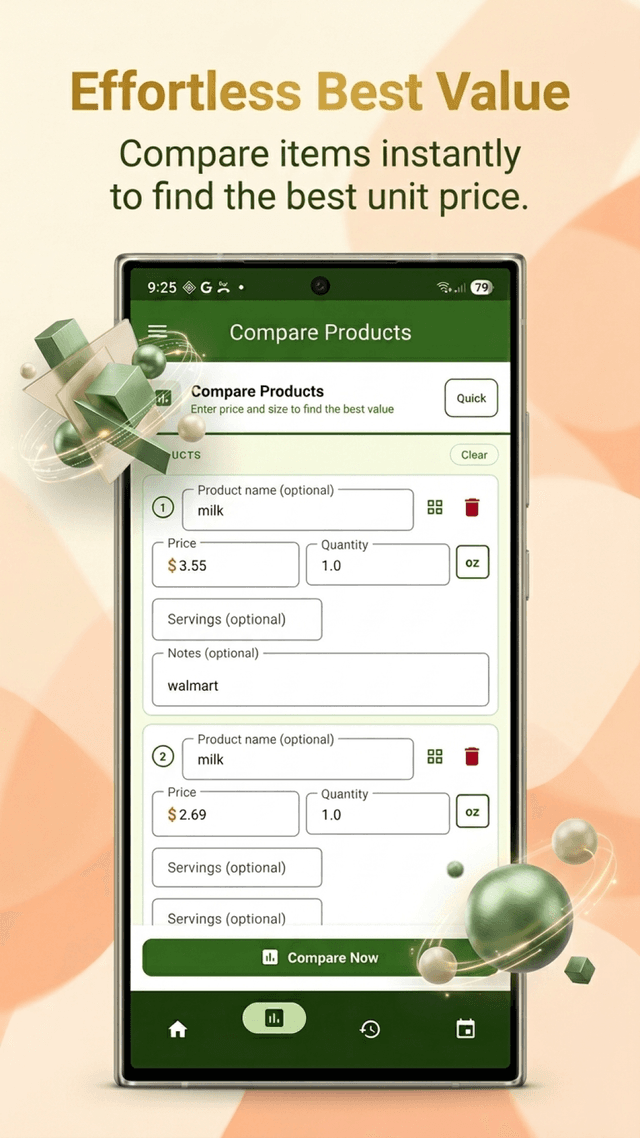
Enter price and quantity for each product. GroceryComp converts all units automatically and shows you the exact cost per gram, ounce, milliliter, or item — ranked best to worst.

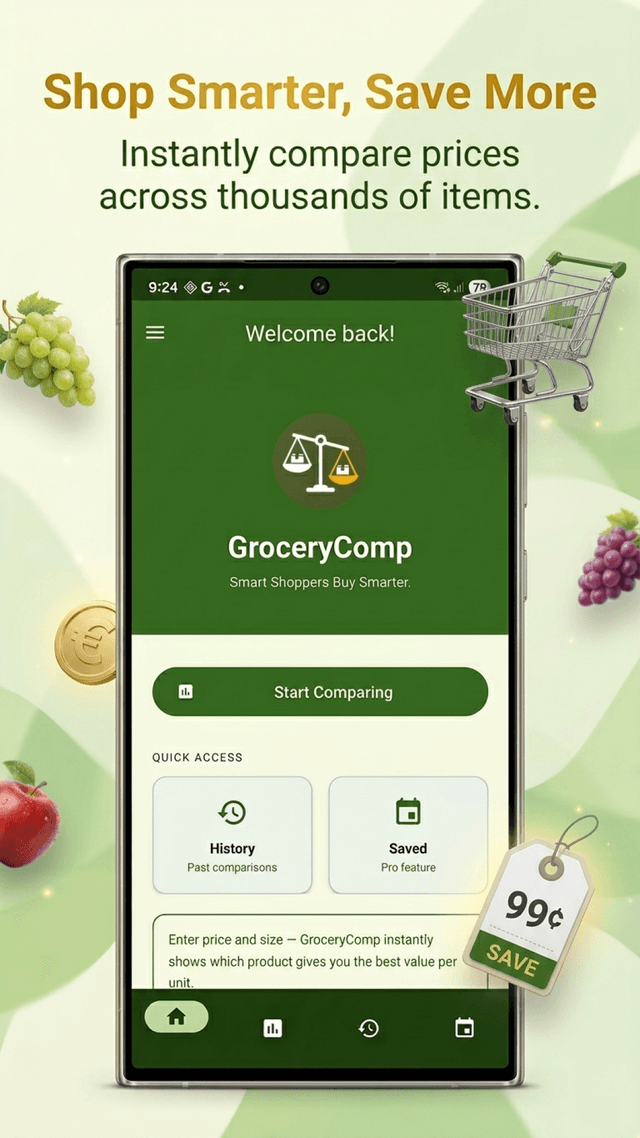
GroceryComp instantly tells you which product size gives you the most for your money — per gram, per ounce, per milliliter, per count. Just enter the price and size. Done.
Designed for one-hand use in the aisle. No account. No internet required.
Enter price and quantity for each product. GroceryComp converts all units automatically and shows you the exact cost per gram, ounce, milliliter, or item — ranked best to worst.
Point your camera at any barcode. GroceryComp reads the product name instantly using Google ML Kit — no typing needed. Works completely on-device, no internet required.
Compare a 500g box against a 17.6 oz box without doing any unit conversion yourself. Weight, volume, and count units all normalize to a common base automatically.
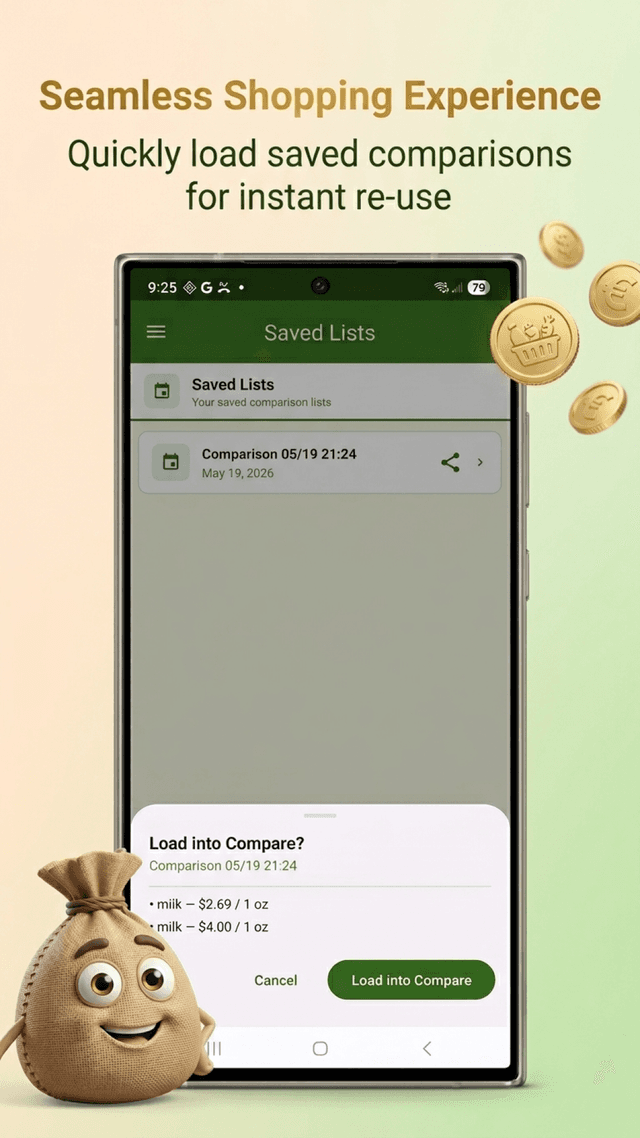
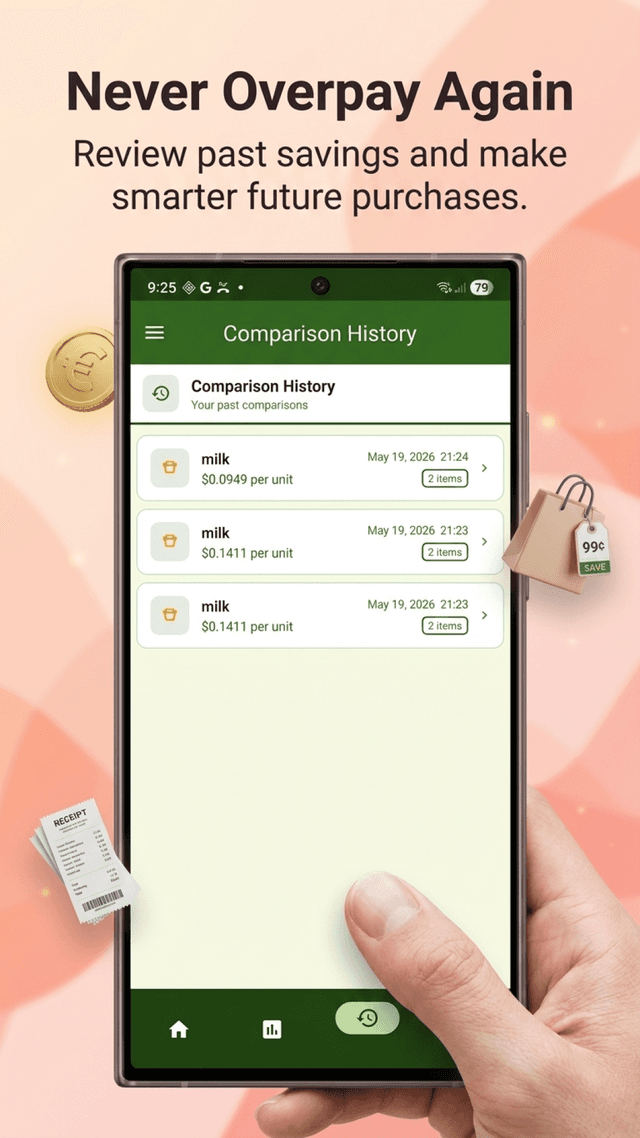
Save your regular comparisons as named lists — 'Cereal Aisle', 'Pasta Brands' — and revisit them every week. Full unlimited history lets you track prices over time.
Built for real in-store use. No learning curve.
Type in the price and quantity for each product. Add up to 3 products free (6 with Pro). Supports any unit — grams, ounces, liters, items.
GroceryComp calculates the price per unit for every product, converts units automatically, and ranks them from best to worst value.
The best-value product is highlighted in green with a 🏆 trophy. All others show exactly how much more expensive they are per unit.
Point your camera at any grocery product barcode and GroceryComp instantly fills in the product name using Google ML Kit. Works completely on-device — no internet, no cloud, no data shared.
Real screenshots from the app — built for the shopping aisle.
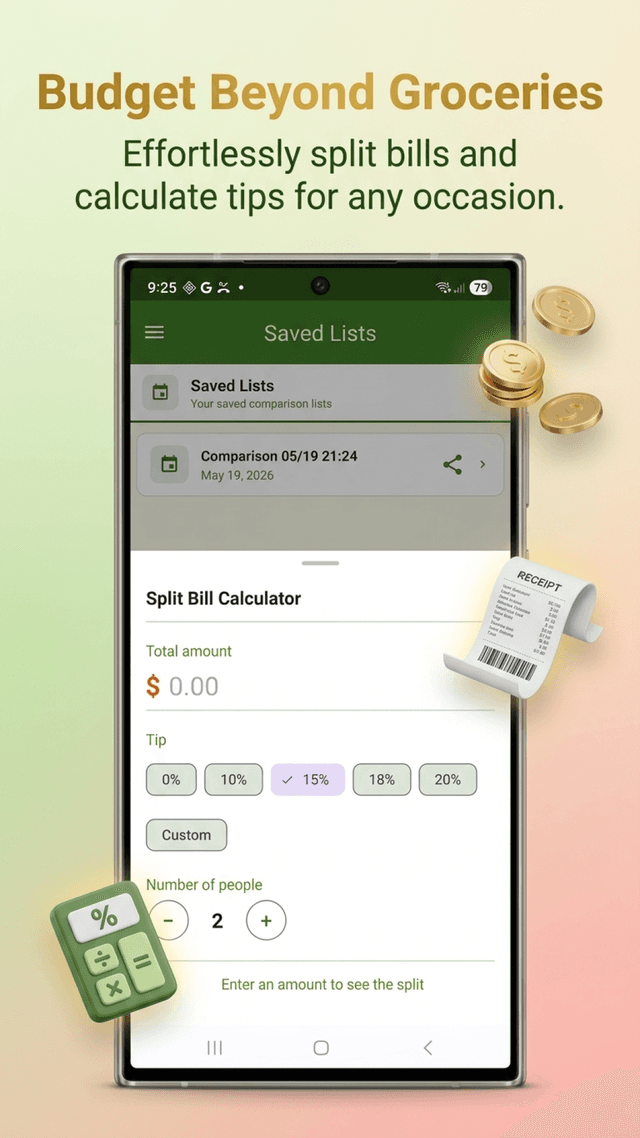
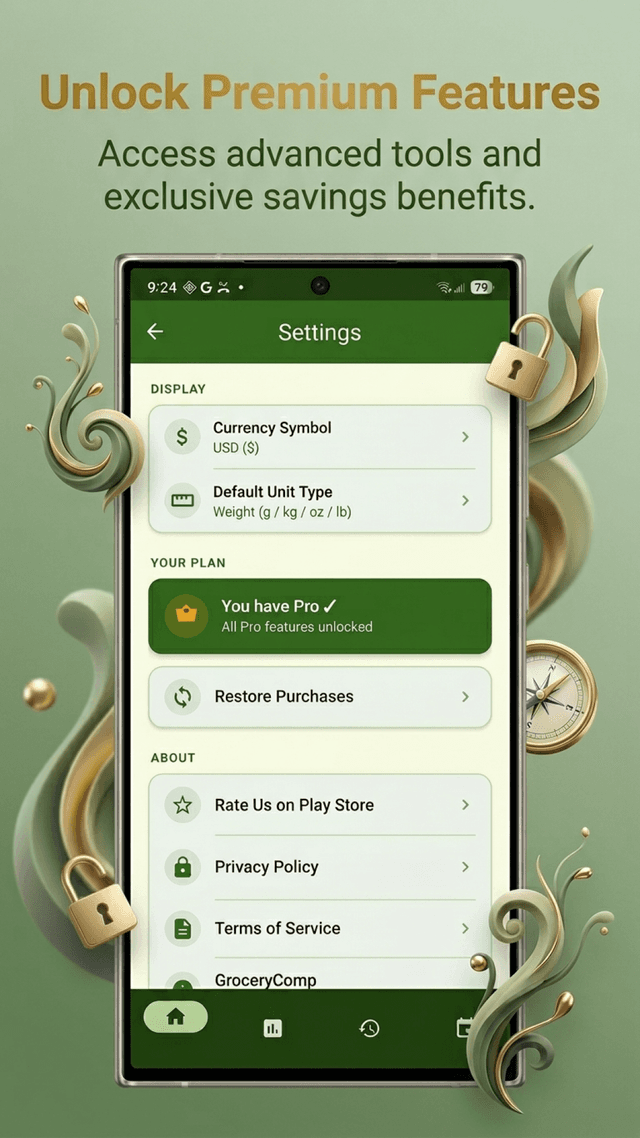
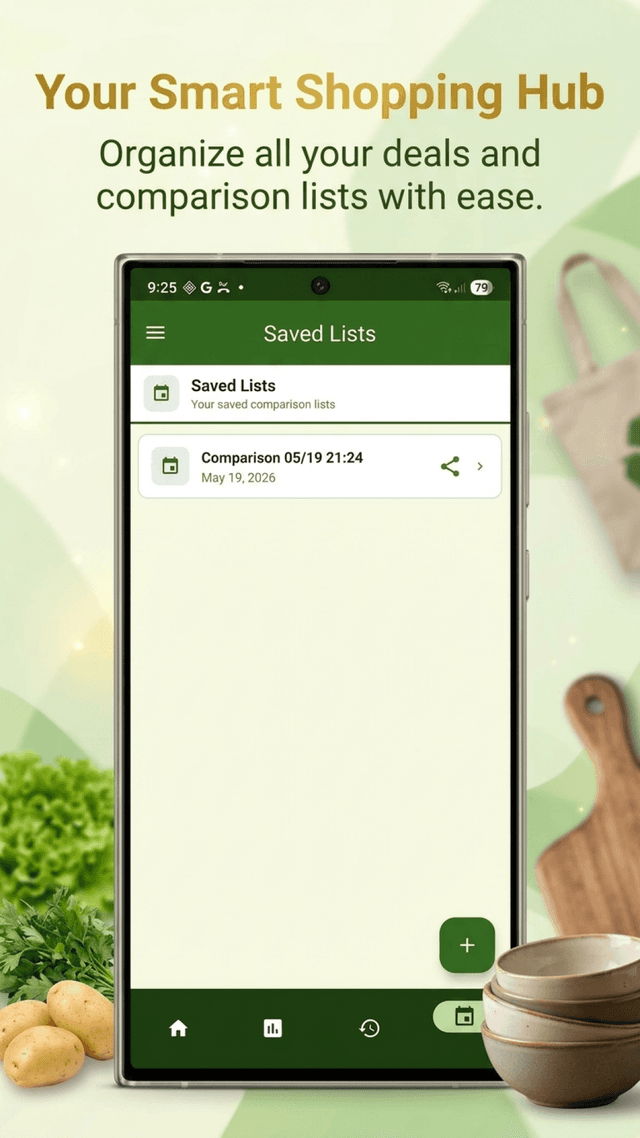
Compare up to 3 products free — 6 with Pro
Start free today. Upgrade once and own it forever.
one-time · lifetime access
No subscription · No renewals · Own it forever
Purchases managed securely by Google Play. Restore anytime via the app's navigation drawer.
Yes. The free version lets you compare up to 3 products, supports all unit types (weight, volume, and count), shows a clear winner with a trophy icon, and keeps your last 5 comparisons in history. A banner ad is shown at the bottom. No account or sign-up required.
Pro unlocks: compare up to 6 products per comparison; barcode scanner to prefill product names on-device; save named comparison lists to reuse every week; unlimited comparison history; per-item notes; percentage difference labels on each product; a tip and bill-split calculator; and a completely ad-free experience. It's a one-time payment — no subscription, no renewal.
Yes, completely. All comparisons, unit conversions, and barcode scanning run entirely on-device using Google ML Kit. You can use GroceryComp in a store with no Wi-Fi or cell signal. The only features that use internet are AdMob ads (free tier) and the Google Play billing flow when purchasing Pro.
GroceryComp supports all common grocery units: weight (g, kg, oz, lb), volume (mL, L, fl oz, gal), and count (items). It automatically converts mixed units — so you can compare a 500g box directly against a 17.6 oz box and get an accurate per-unit price.
The barcode scanner uses Google ML Kit on-device text and barcode recognition to read the product barcode (UPC-A, EAN-13, QR, and others). It automatically fills in the product name field on the comparison screen. No data is sent to any server — everything happens locally on your phone. Barcode scanning is a Pro feature.
Yes. Open the app, tap the hamburger menu icon to open the navigation drawer, and tap 'Upgrade to Pro'. On the upgrade screen, tap 'Restore Purchase'. As long as you are signed in to the same Google account that made the original purchase, Pro will be restored at no charge.
All comparison data, saved lists, and history are stored locally on your device using an encrypted Room database. GroceryComp does not collect, store, or transmit any personal data. Ads are served by Google AdMob (free tier only), which may use device advertising identifiers per Google's privacy policy. See our Privacy Policy for full details.
GroceryComp requires Android 8.0 (Oreo, API level 26) or higher. It is optimized for Android 14 and 15 (API 34–35) and is tested on phones and tablets.
Questions, bugs, or feedback? We read every message.
GroceryComp is built by a small team at Nexovia. Whether you hit a bug, need help with your Pro purchase, or just have a suggestion, reach out and we’ll get back to you promptly.