
Keysprint: Typing Practice
Education · Android
Learn touch typing and test your speed.
An offline typing trainer for phones, tablets and Chromebooks, with lessons, timed speed tests and SSC-style exam practice in English and Hindi. Use the on-screen keyboard or connect a real one.
Free with ads · optional one-time Keysprint Pro ($5.99)
- Free lessons
- 48
- Test lengths, 1 to 10 minutes
- 5
- Hindi keyboard layouts
- 2
- App languages
- 7
Features
What Keysprint does
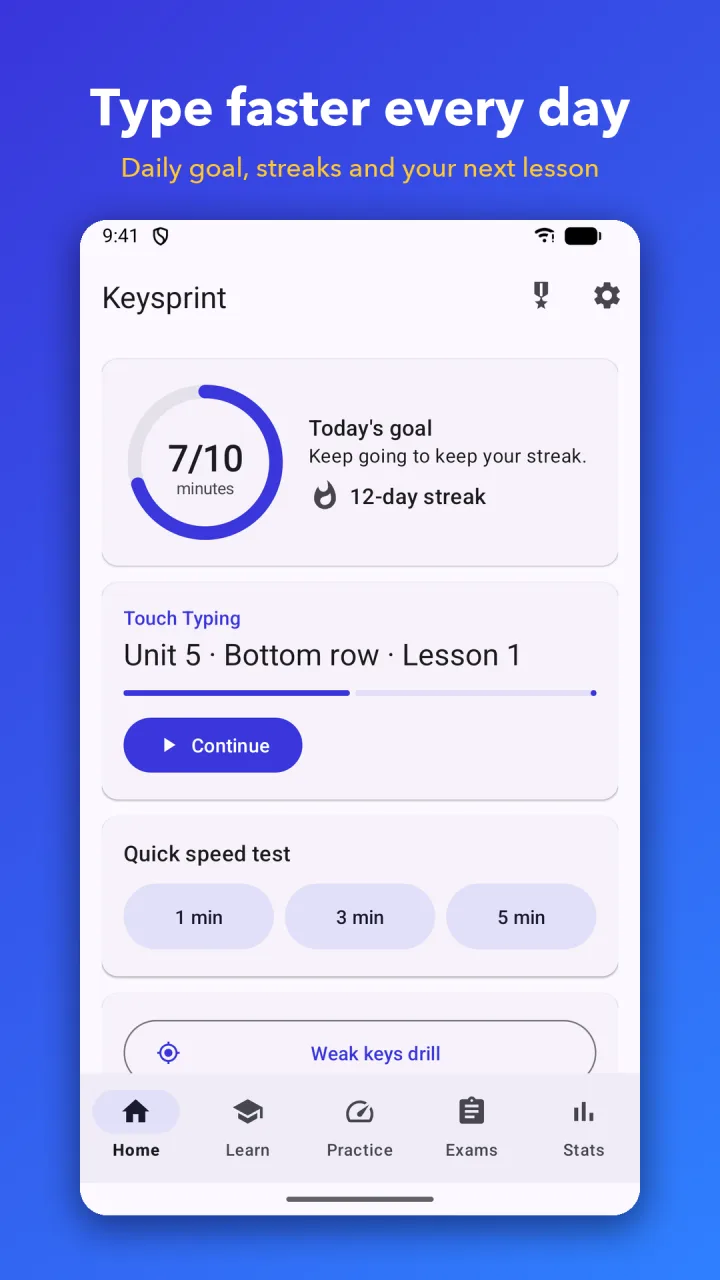
Touch typing course
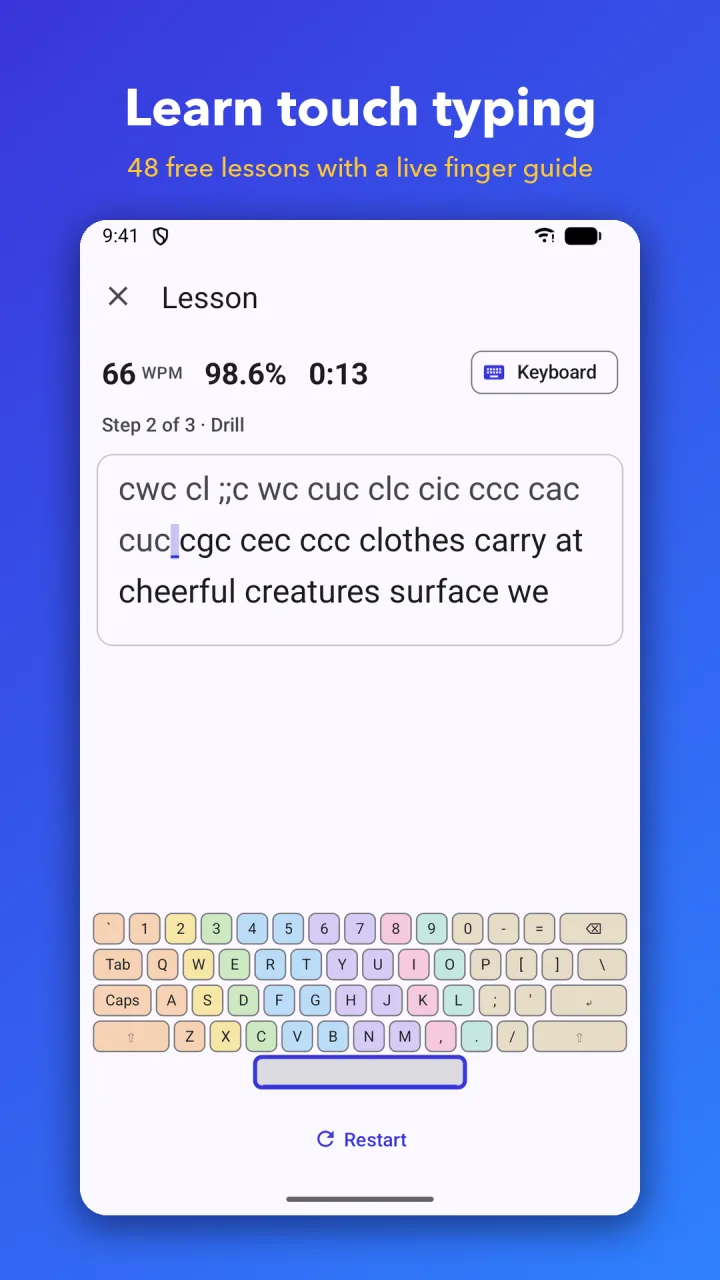
48 free lessons from the home row to the full keyboard, with a finger guide on a live keyboard diagram. A numbers and symbols course follows.
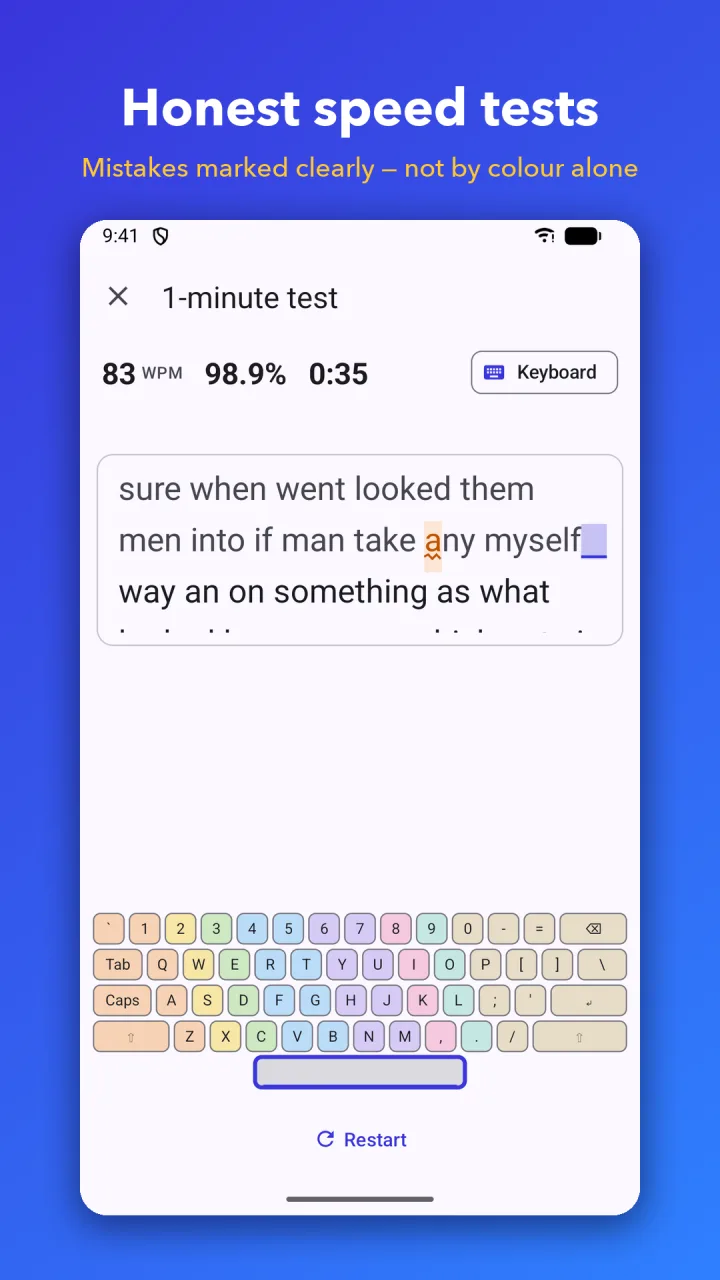
Timed speed tests
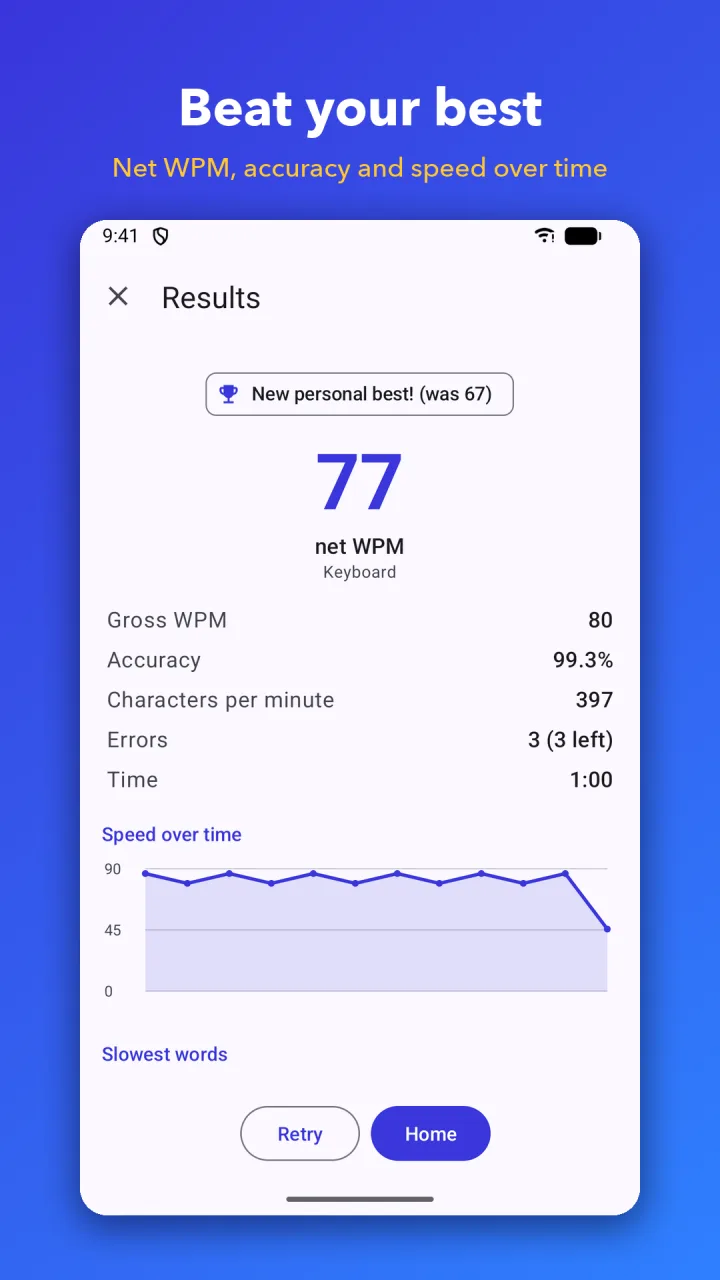
1, 2, 3, 5 and 10-minute tests that report net WPM, gross WPM, CPM and accuracy, and show how each figure is calculated.
Weak-key drills
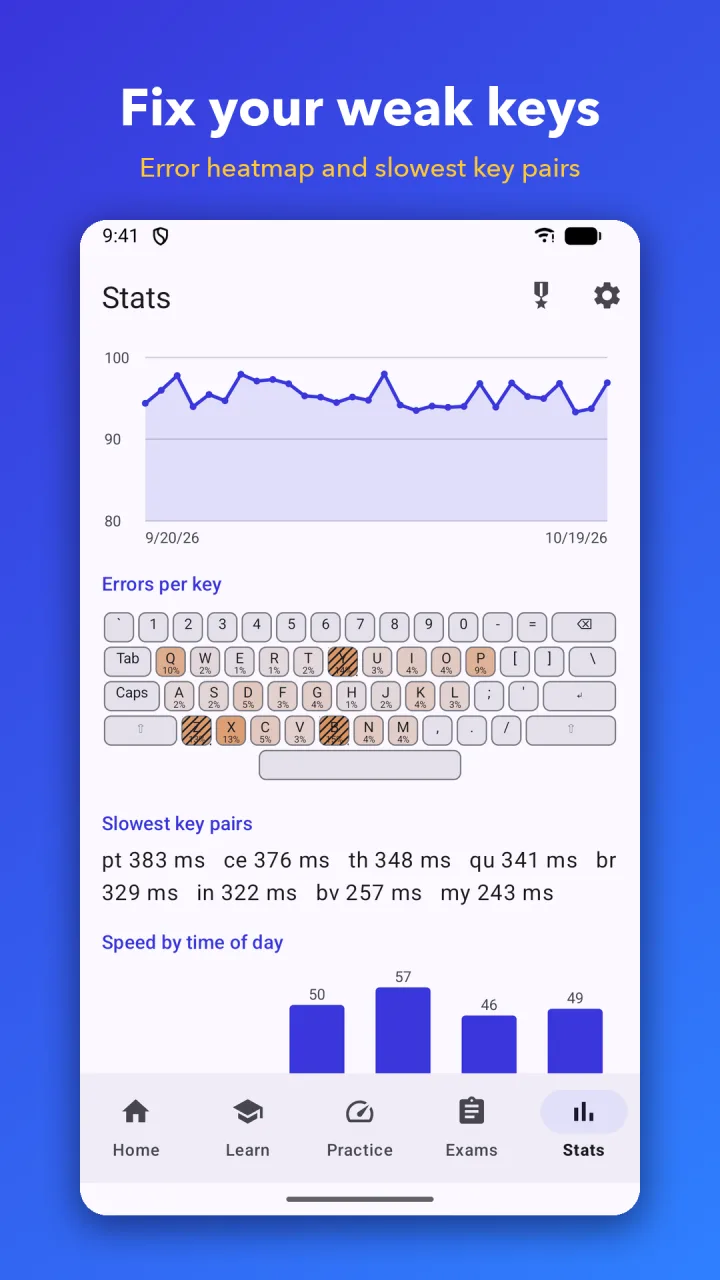
Keysprint tracks every key and builds drills for the keys that slow you down.
SSC-style exam practice
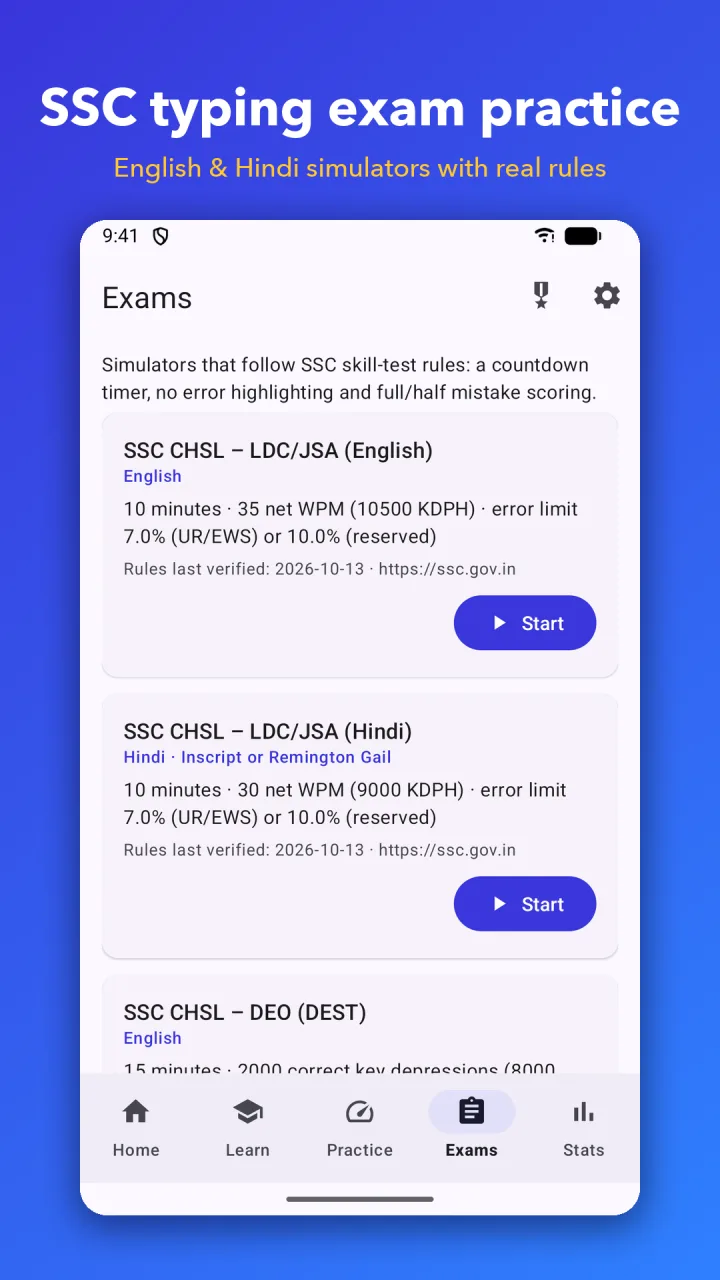
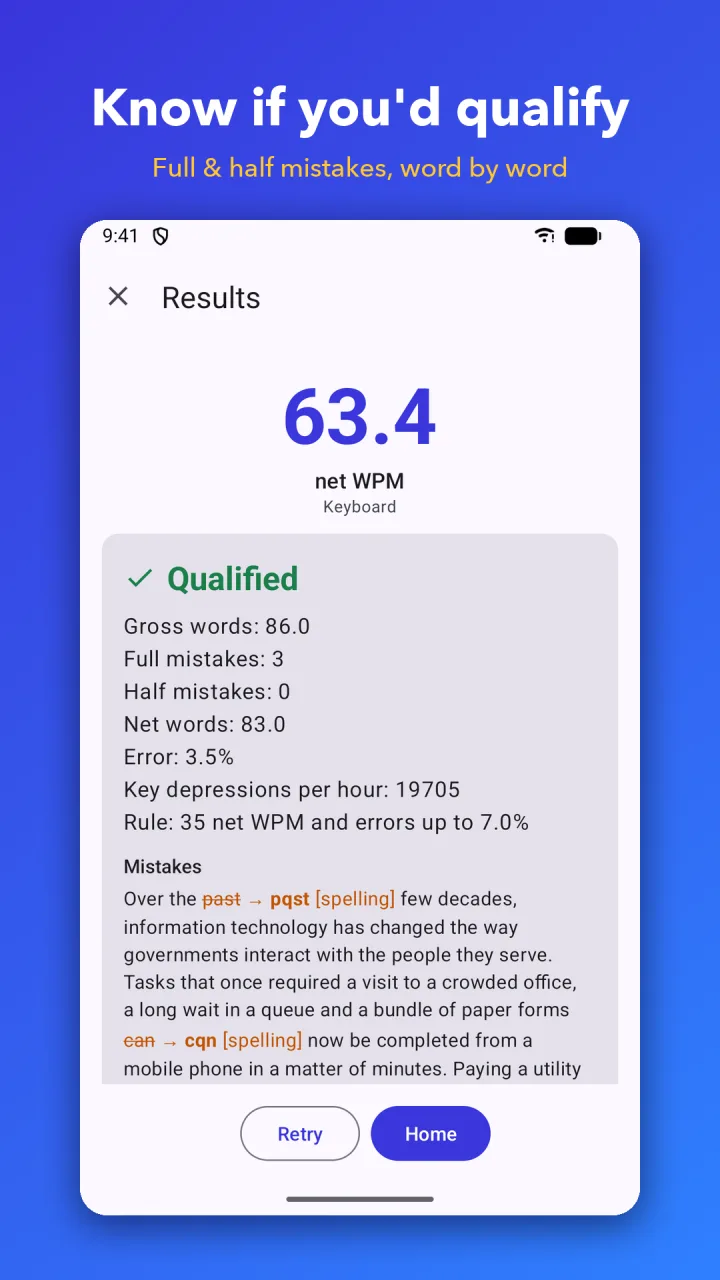
10-minute English (35 wpm) and Hindi (30 wpm) simulators with full and half mistake scoring, a data entry (DEST) key-depression test and a word-by-word mistake report.
Real keyboard support
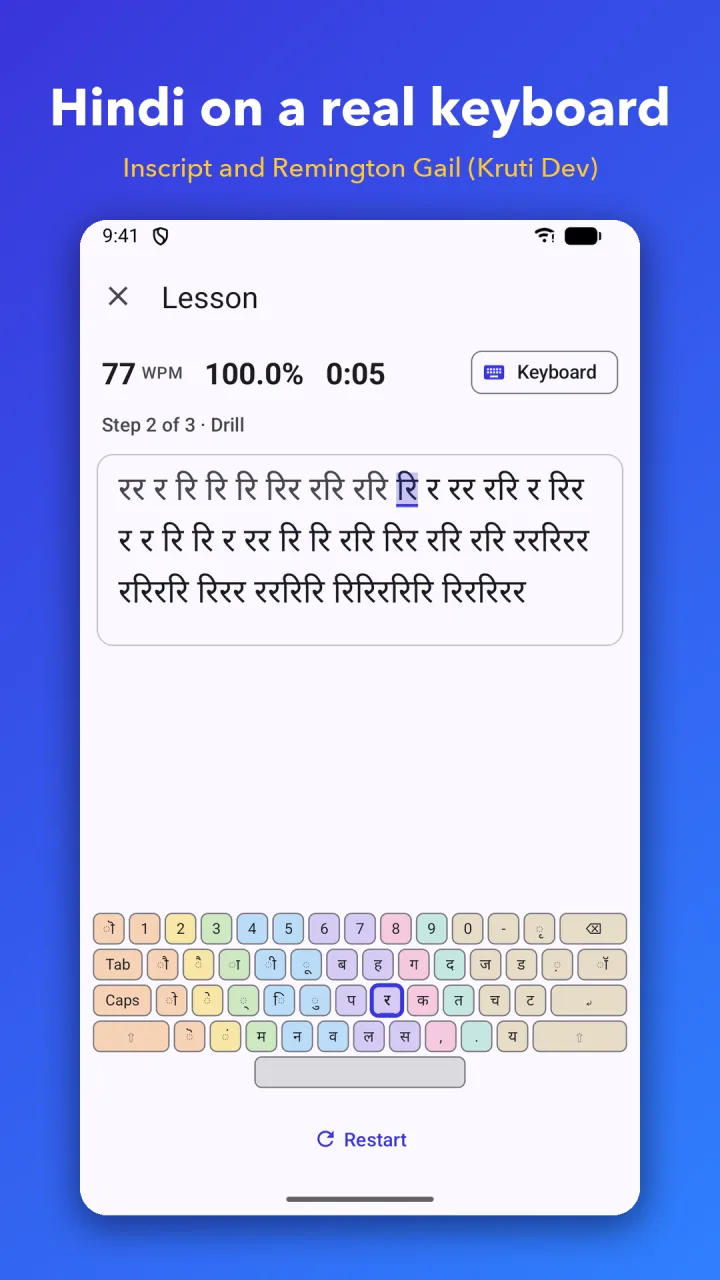
Connect a keyboard by USB-OTG or Bluetooth, or type on screen. Scores are kept separately for each. Hindi works in Inscript and Remington Gail (Kruti Dev layout) on a physical keyboard.
Goals and progress
A daily goal, streaks, badges and progress charts. Pro adds PDF certificates for your best results.
How it works
Up and running in a minute
- 01
Start a lesson
Begin at the home row and follow the finger guide on the keyboard diagram.
- 02
Take a speed test
Pick a length from 1 to 10 minutes and type passages from classic books, common words, quotes or your own text.
- 03
Drill your weak keys
Check your results, then practise the keys that slowed you down.
Screenshots
Keysprint on your phone
Pricing
What it costs
Free with ads. Keysprint Pro is a one-time purchase, not a subscription.
Free
$0
- 48 touch typing lessons
- Short speed tests and weak-key drills
- One 5 or 10-minute test and one exam simulation per day
- Ads, but never while you type
Keysprint Pro
$5.99 one-time
- Unlimited long tests and exam simulations
- Full numbers and symbols and Hindi courses
- Detailed stats and word-by-word exam report
- PDF certificates and custom text
- No ads
The price is in US dollars (₹299 in India) and is shown in your local currency in the app. On the Amazon Appstore, Keysprint is a paid app ($5.99) with everything included and no ads.
Good to know
- App languages
- English, Español, Português (Brasil), Français, Deutsch, Italiano, हिन्दी
- Works offline
- Yes
- Devices
- Android 7.0 and later, phones, tablets and Chromebooks
- Keyboards
- On-screen, USB-OTG or Bluetooth
- Account
- None. Your results stay on your device
- Exam practice
- For practice only. Not affiliated with the Staff Selection Commission or any government body
Questions
Frequently asked
Something else? Write to support@nexovia.cloud or use the contact form. See our Privacy Policy for how our apps handle data.
Is Keysprint free?
Yes. The 48-lesson touch typing course, speed tests and weak-key drills are free. The free version shows ads, but never while you type.
What does Keysprint Pro add?
Pro is a one-time purchase with no subscription. It removes ads and the daily limits on long tests and exam simulations, and adds the full courses, detailed stats, PDF certificates and custom text.
Can I use a physical keyboard?
Yes. Connect a keyboard by USB-OTG or Bluetooth. Keysprint keeps separate scores for the physical and on-screen keyboards.
Does it work without an internet connection?
Yes. Keysprint is an offline typing trainer.
Are the exam simulators official?
No. They follow SSC-style rules for practice only. Keysprint is not affiliated with the Staff Selection Commission or any government body.
Do I need an account, and where are my results kept?
There is no account. Your results stay on your device, and the text you type is never sent anywhere. The Google Play version uses Google ad, analytics and crash-reporting services.
Get Keysprint
Free with ads · optional one-time Keysprint Pro ($5.99)
More from Nexovia
Related apps

Globetrot
Flags, capitals, maps and landmarks of every country, plus all 50 US states.

US Presidents Trivia
Faces, timeline, trivia and spelling for every US President.

LogicLoop
Sudoku, Star Battle and logic grids — five-minute brain training.

ColorJoy
Tap-to-fill coloring for all ages: mandalas, animals and more.